
- 회원가입 / Log In
- MyAdvantech
-
제품
임베디드 컴퓨터
- Arm 기반 임베디드 플랫폼
- 디지털 사이니지 플레이어
- 로봇용 컴퓨터
- 무선 ePaper 디스플레이 솔루션
- 산업용 SSD & 산업용 메모리
- 산업용 무선 솔루션
- 산업용 임베디드 보드
- 아케이드용 임베디드 플랫폼
- 엣지 AI 임베디드 솔루션
- 임베디드 보드
- 임베디드 소프트웨어
- 임베디드 시스템
- 임베디드용 디스플레이
- 컴퓨터 온 모듈 (COM)
- 팬리스 임베디드 컴퓨터
응용 컴퓨팅 (Design & Manufacturing Service)
산업 자동화 솔루션
- DAQ 데이터 수집
- IoT 게이트웨이 & ARM Linux RTU
- WebAcess 소프트웨어 & 엣지 SRP
- 무선 I/O 센서
- 방폭 자동화 솔루션
- 산업 표준 인증 솔루션
- 산업용 모니터 & 패널 PC
- 산업용 패널 PC
- 아날로그 디지털 I/O 모듈
- 이더캣 컨트롤 마스터 I/O
- 임베디드 자동화 컴퓨터
- 전력 에너지 설비 관리
산업용 시리얼 이더넷 통신
- 솔루션
- 서비스
-
파트너
Business Alliance Partner
- 고객지원
- 기업정보
- 연락처
HMINavi
직관적 시각화 소프트웨어 인간-기계 상호작용
- 사용자가 하나의 프로젝트에서 여러 HMI 애플리케이션을 관리할 수 있습니다
- 유니코드 및 다국어 텍스트 지원으로 동적 언어 전환
- 디자인, 매크로 및 업로드/다운로드 작업에 대한 비밀번호 보호
- Windows에서 오픈 플랫폼 애플리케이션 실행 지원
- 런타임에 장치 주소를 수정하기 위한 인덱스 레지스터 제공
- 다양한 데이터 수집 및 트렌드 표현 기술 지원
- 작업 로그로 이벤트 검토 및 조사 용이
- 500개 이상의 PLC 컨트롤러 드라이버를 지원합니다
- 식품의약품안전청 Title 21 CFR Part 11 준수
인증:




-50/HMINavi_KV2_820x46020231211095926.png)
특징 및 이점
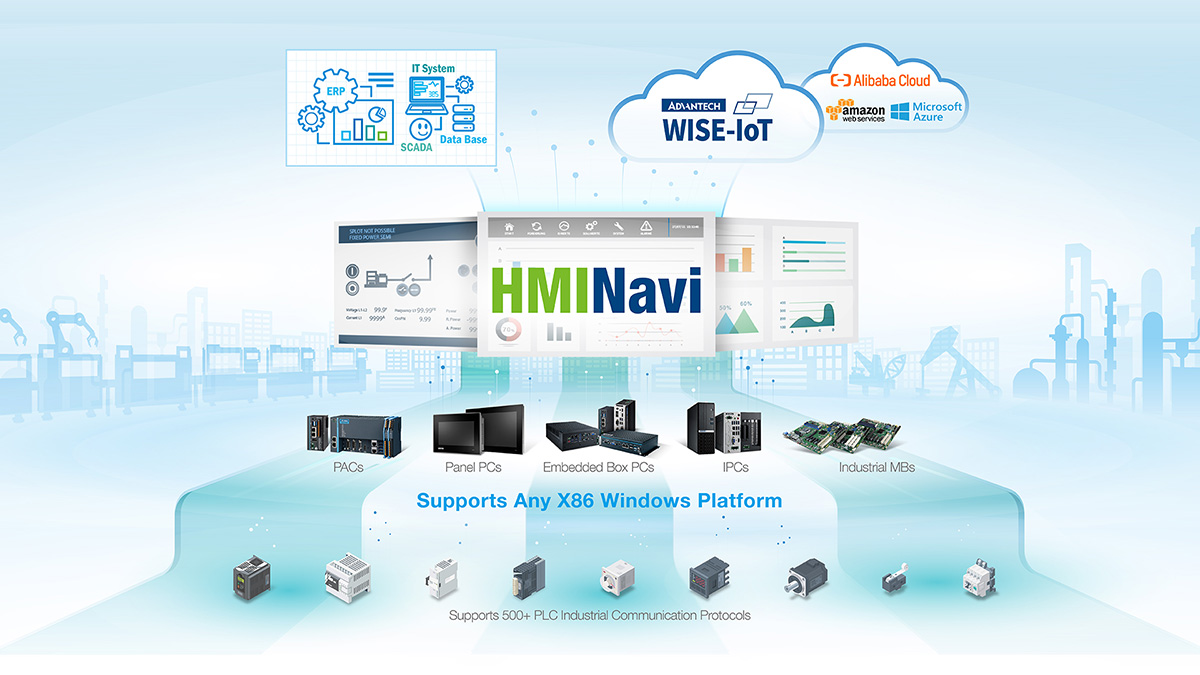
HMINavi Powers Unprecedented Intuitive Machine Visualization
HMINavi is powerful Open HMI software that encompasses an HMI Runtime Engine for HMI operations. Its HMI Engineering tool is designed with a user-friendly interface and offers solution-oriented screen objects for HMI project development.
Test Your Project on a Simulation
Explore a simulation for 60 minutes without any license key required. It is available for both online and offline use.
Seamless Connectivity Drives IoT Applications
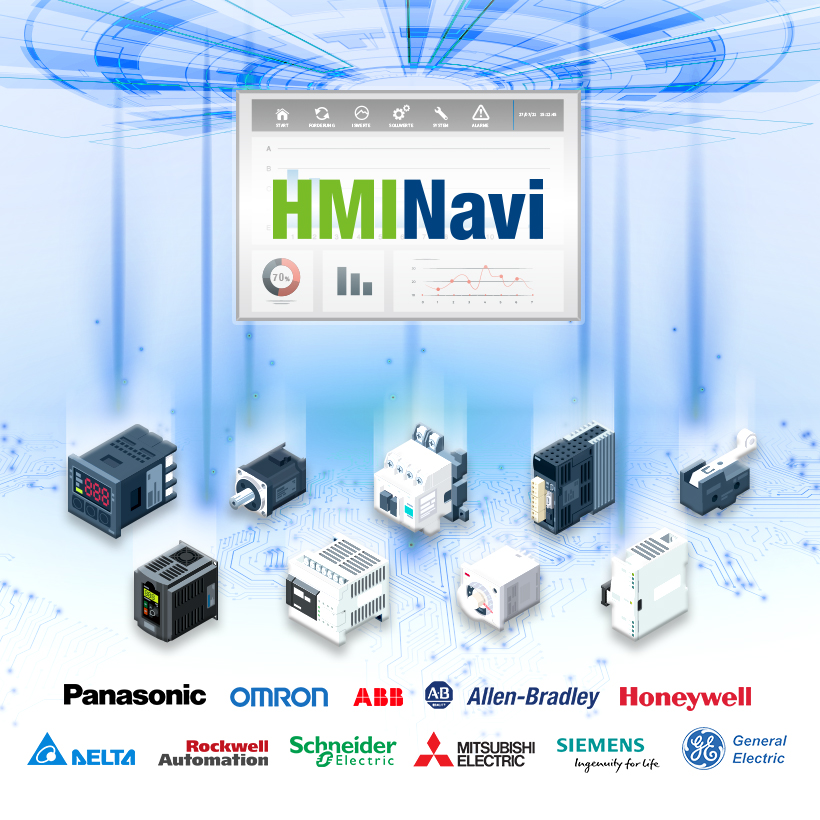
Supports 500+ PLC Industrial Communication Protocols
HMINavi can connect up to 90% of global PLC devices. The data exchanger function can easily exchange various types of PLC data. Its powerful connectivity makes HMINavi a perfect fit for existing or future IoT solutions.
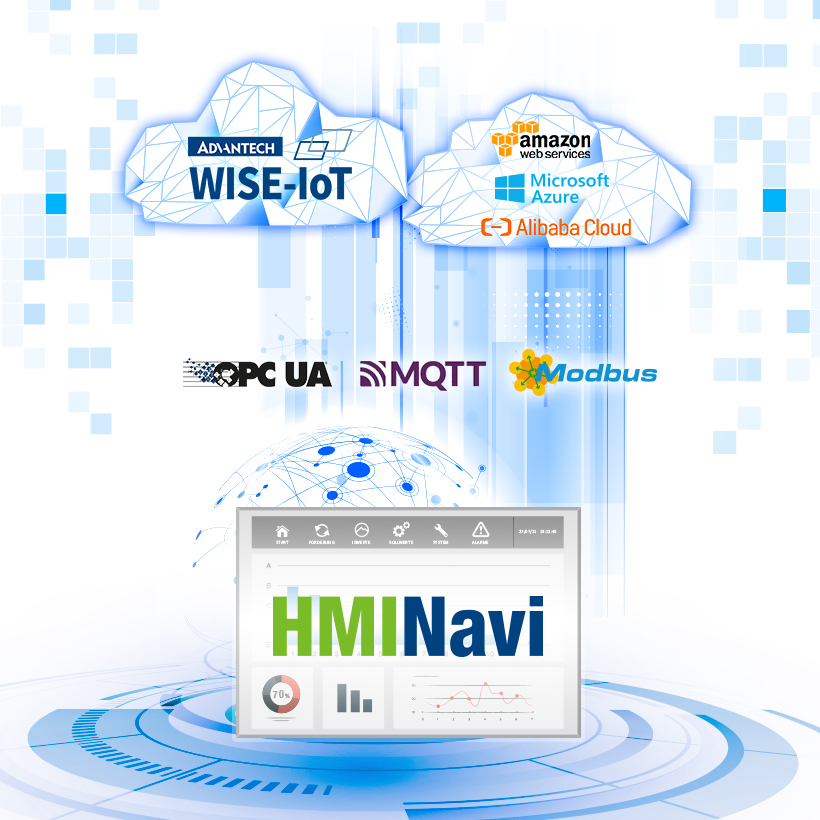
Simple Cloud Access via MQTT Protocol
HMINavi simplifies OT & IT integration using the latest MQTT uplink communication protocol. Users can effortlessly transform legacy machinery into intelligent systems, with all critical data and backups handled by cloud services.
Comprehensive Visualization Functions

Object-Oriented
- Switch Button Object Unit
- Unlimited Internal Tags
- Schedule Table Control
- Macros Script Control
- Data Exchange
- Uplink Communication

Data Visualization
- Lamps & Animated Display
- Historic Curve & Path Trend Graphic
- Bar Chart & Graphic Display
- Meter & Circular Display
- Pipeline & Path Display
- Rotation Indicator & Radar Chart

Data Management
- Alarm Management
- Historical Data Logger
- Operation Data Logger
- Recipe Management
- Documentation CSV Format
- Documentation PDF Format

Security Protection
- Project File Protection
- Screen Protection
- Due Date Protection
- Runtime Load Protection
- User Level Protection
- User Group Protection

Data Exchange
- Breakpoint Resume
- OPC UA Server/Client
- VB Script User Coding
- JScript User Coding
- Browser/Media Container
- Database Connection
Simplified 3-Step PLC Controller Integration

1. Create A Project & Link
- • Initiate a new project and create a new link.
- • Select the connection type (Serial/Ethernet).

2. Select Your PLC Model
- • Choose the PLC brand.
- • Select the PLC type/model.

3. Parameter Setup
- • Configure baud rate transmission.
- • Set up the IP address/port/sub-link.
Start Your Journey with HMINavi
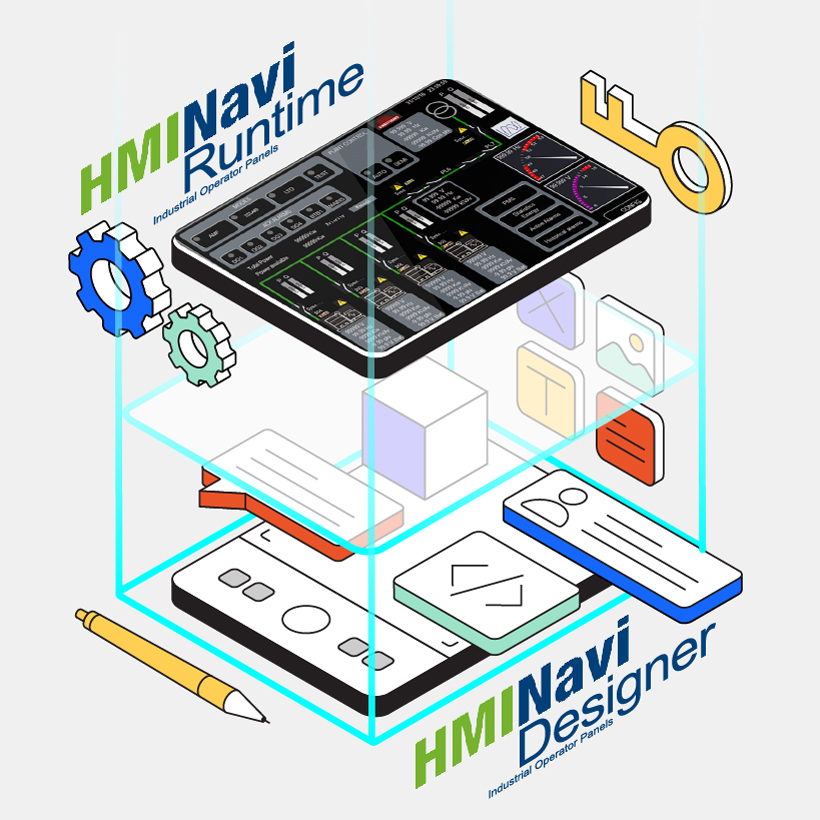
Engineering Design Tool & Runtime Engine
- HMINavi Designer Software: supports Windows 7/10.
- HMINavi Runtime Engine Software: A runtime license is required for the x86 Windows platform.

Test Your Project on a Simulation
Explore the simulation for 60 minutes without any license key required. It is available for both online and offline use.